







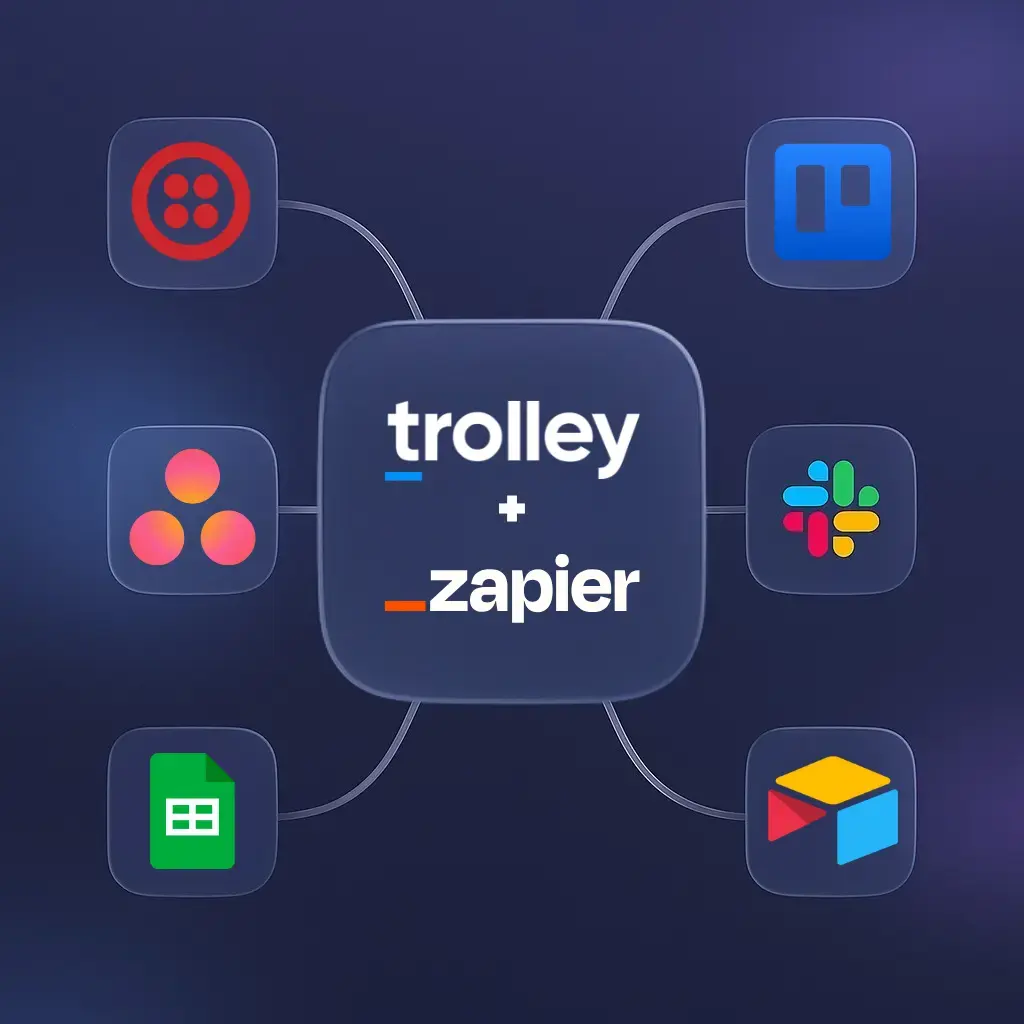
Managing payouts often requires jumping between CRMs, ecommerce platforms, spreadsheets, communication tools, and internal systems. But none of these tools naturally talk to each other, and that disconnect slows teams down.
For most in payout operations, this creates a familiar set of problems:
- Recipient details live in one system, but payments are created somewhere else.
- Teams send manual Slack or email updates when payouts are approved or delayed.
- Finance and ops rely on spreadsheets just to reconcile who was paid, when, and why.
- Follow-up tasks happen late because they depend on someone noticing a payment event.
These gaps aren’t caused by the tools themselves—they’re caused by the lack of a clean, automated connection between them.
That’s where Trolley’s Zapier integration comes in. Connecting Trolley with your preferred business tools has never been easier. With Trolley’s Zapier integration, you can automate manual tasks, reduce errors, and connect payouts seamlessly with over 8,000 business applications—no coding required.
What we cover
How Trolley’s Zapier integration works
The Trolley Zapier integration gives you a simple, no-code way to connect payouts to the tools your team already uses. Zapier (rhymes with “happier”) is a web-based automation platform that links apps together using simple “if this, then that” logic.
When you connect Trolley to Zapier, you build automated workflows—called Zaps—that trigger actions in Trolley (such as creating a recipient, sending a payment, or updating a status) whenever a specific event happens in another, now connected app. You can also send payout events from Trolley to other tools, powering instant notifications, reporting updates, or follow-up tasks.
This gives your teams a flexible way to automate common payout steps without writing code and ensures your payout workflows stay connected across your entire tech stack.
When should you use Zapier vs. direct integrations or the Trolley API?
Trolley is built to fit into any payout stack—whether that means no-code automations or deeply embedded workflows. Choosing between Zapier and direct integrations depends on your use case, technical resources, and how tightly you need Trolley connected to your product or internal tools.
Use Zapier when you want fast, no-code automation
Zapier is the best option when you want to:
- Connect Trolley to long-tail tools (Slack, Airtable, Trello, Google Sheets, Typeform, etc.).
- Automate operational workflows without involving engineers.
- Prototype quickly—perfect for teams building a process before investing in custom development.
- Trigger Trolley actions based on events in other systems (e.g., order paid, form submitted, task completed).
- Send notifications or sync data across your internal channels automatically.
Zapier works especially well for payouts that rely on operational workflows, communications, or event-based triggers.
Use direct integrations when you use supported platforms
If your team relies on tools that Trolley already supports natively—such as accounting systems, ERPs, or data pipelines—use those integrations when you need:
- Deep, purpose-built functionality (e.g., reconciliation, journal entries, bulk data sync).
- Higher performance than Zapier can offer.
- Tighter compliance or financial controls.
- Guaranteed bidirectional sync instead of event-based triggers only.
Examples might include connecting to ERPs, developer tools, or native financial integrations.
Use the Trolley API when you need embedded or custom workflows
If your product or internal system needs payouts built into your platform, the Trolley API & developer tools will give you:
- Full control over recipient onboarding, KYC/KYB, payment creation, and payment lifecycle events.
- Real-time interaction with Trolley’s payout engine.
- Scalability for marketplaces, creator platforms, fintechs, and high-volume payment flows.
- The ability to design custom logic beyond what Zapier supports.
This is the best choice when payouts are core to your product experience—not just an operational process.
How to choose: a simple rule of thumb
- If you want speed and flexibility → use Zapier.
- If you want deep data sync or accounting logic → use native integrations.
- If payouts are part of your product → use the API.
Each approach can work on its own, but many teams use more than one—e.g., API for core payments + Zapier for notifications and reporting.
Popular use cases for Trolley + Zapier
Zapier integrations can support automations throughout your payout workflow—from notifications to reporting to post‑payment follow‑ups. Below are a few areas teams use Trolley and Zapier to streamline:
- Communication & alerts: Use Slack, Twilio, or SendGrid to notify teams and recipients instantly when payments are processed.
- Tracking & reporting: Sync payment data with Google Sheets or Airtable for real-time reporting, reconciliations, and audit logs.
- Task management: Create follow-up tasks in Trello, Asana, or Todoist when payments are returned or pending review.
- E-commerce & marketplaces: Connect Shopify or Stripe to trigger payouts automatically after successful orders or transactions.
Automations you can build using integrations
Each of the use cases above maps to one or more Zapier triggers and Trolley actions. Here are a few example automations you can build right away with the Trolley connector:
- Create a recipient: Automatically add a recipient in Trolley when a form submission, sale, or sign-up occurs in another app (e.g., Shopify or HubSpot CRM).
- Create a payment: When an order is paid in Shopify, automatically create a payment in Trolley (and, if needed, route it for review or batch processing).
- Request payment info by email: If recipient bank details are missing, trigger an email via SendGrid to securely collect the information they need to get paid.
- Payment status updated: When a payment is processed in Trolley, automatically send notifications through Slack, Twilio, or Zendesk.
- Recipient status updated: When a recipient moves from “Incomplete” to “Active,” automatically trigger next steps such as sending their first payment or notifying your team in Trello.
Step-by-step: Set up your first Trolley Zap
Once you’ve identified the workflow you want to automate, connecting Trolley to Zapier takes just a few minutes. Below is a streamlined overview of the setup process.
For detailed screenshots and advanced options, you can reference our full Zapier x Trolley integration help article.
1. Visit Trolley’s Zapier page:
Start by opening Trolley’s Zapier page to explore available app pairings and templates. This helps you confirm the workflow you want to build and choose your trigger app.
2. Sign in or create a Zapier account:
Log in to your Zapier account—or create a free one if you’re new. This gives you access to Zapier’s editor for building automations.
3. Generate your Trolley API keys:
In the Trolley Dashboard, head to Settings → API Keys and create a new Production Key. Copy both the Access Key and Secret Key (the Secret is only shown once).
4. Connect Trolley in Zapier:
In Zapier’s editor, select Trolley as the action app and enter your API keys when prompted. This authorizes Zapier to perform actions like creating recipients or payments.
5. Choose your trigger and map your workflow:
Pick the app event that should start your automation—such as a Shopify order, Typeform submission, or updated spreadsheet row. Then map it to a Trolley action (e.g., Create Recipient, Create Payment, Update Payment Status).
6. Test your Zap and turn it on:
Run Zapier’s built-in test to confirm everything works as expected. Once it passes, turn your Zap on, and your workflow will now run automatically in the background.
Bring your entire payout stack together
The days of manually stitching together payout workflows across spreadsheets, CRMs, and communication tools are over. With Trolley + Zapier, you can turn scattered processes into a single, automated system that scales effortlessly as your business grows.
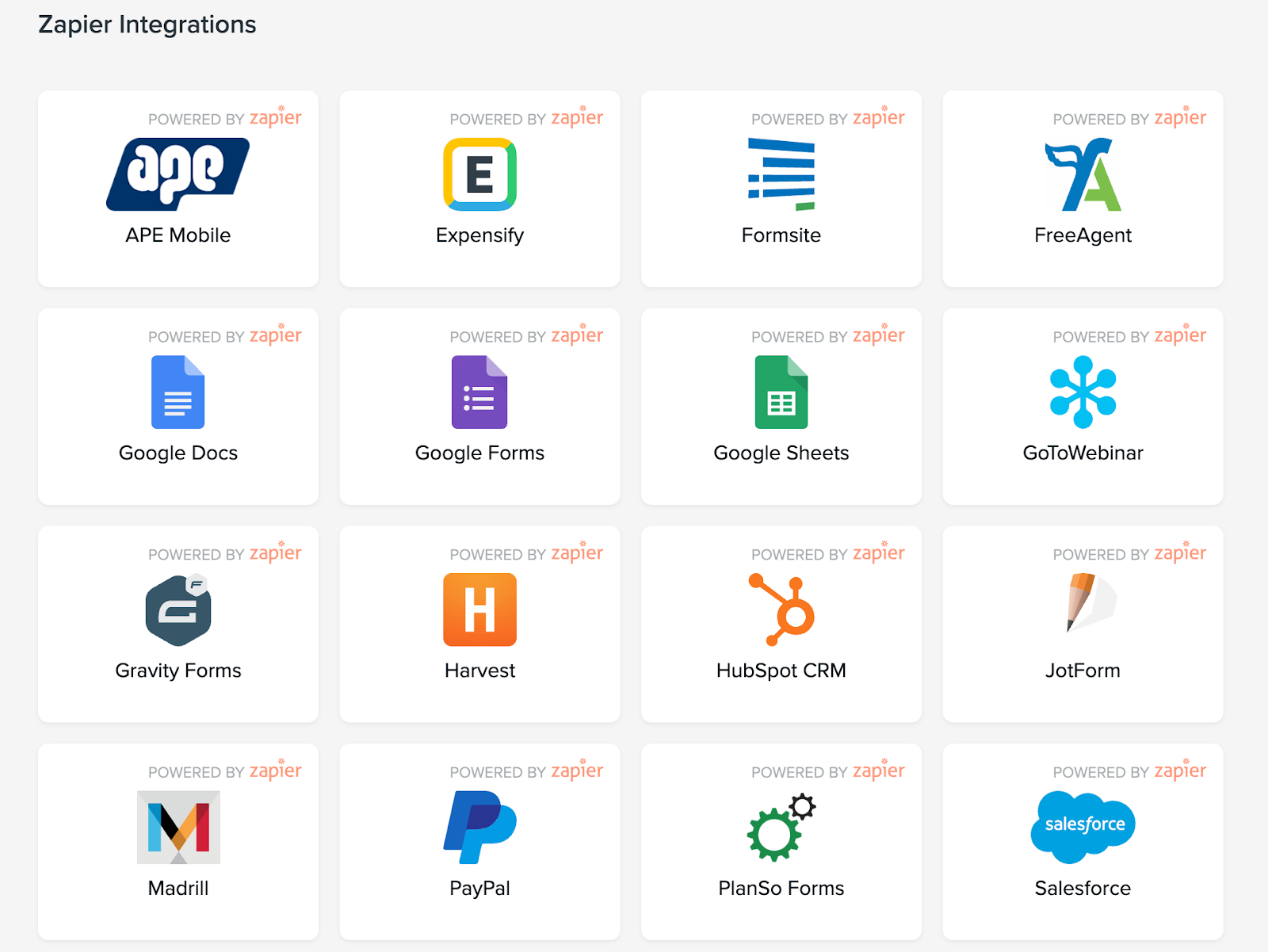
Zapier supports over 8000 web applications, so chances are the tools you already use are covered.
For more details and example workflows, visit our integrations page or check out the support article for step-by-step setup instructions.